
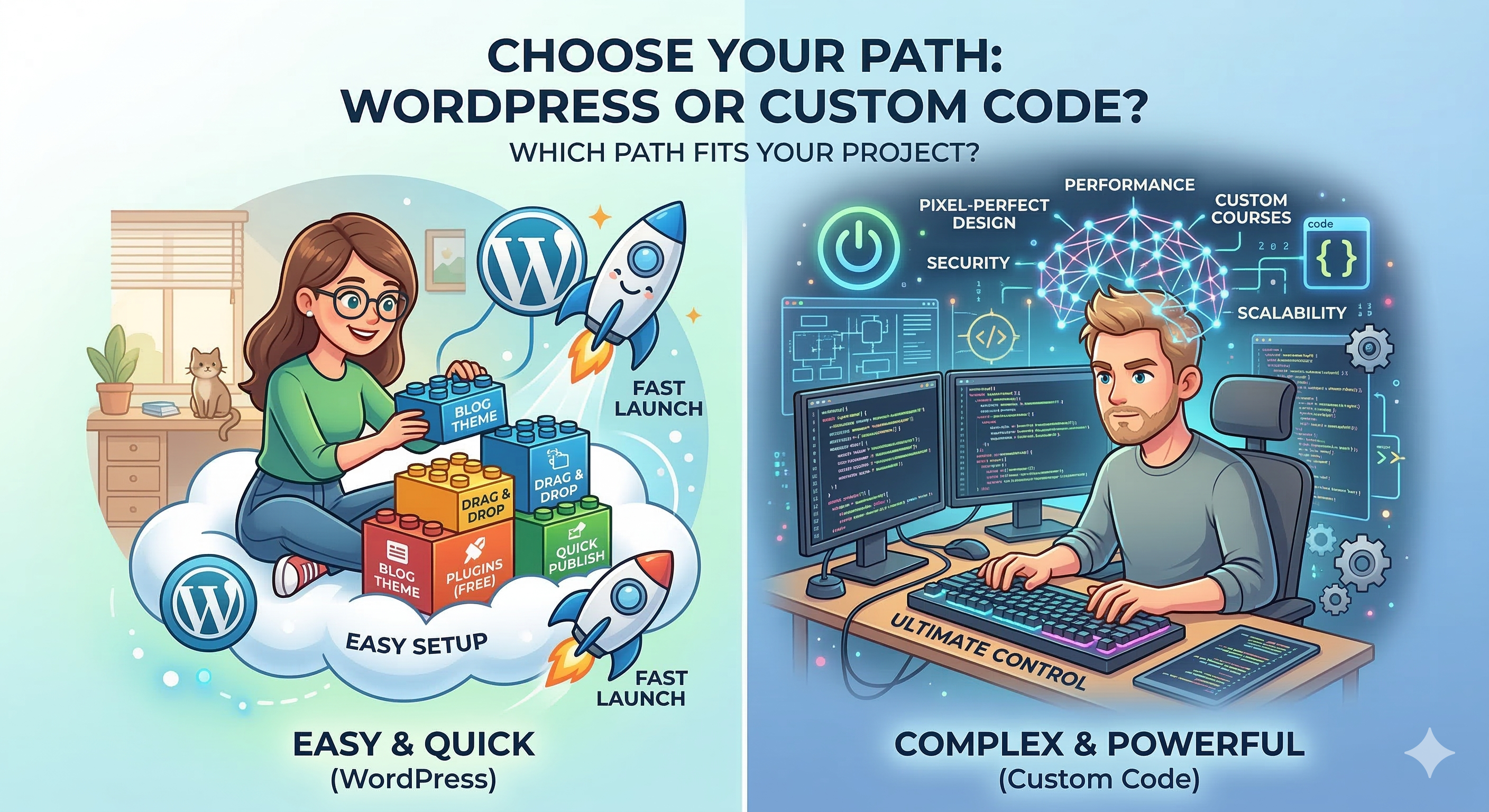
So, you want to build a website? It sounds straightforward enough—pick a pretty template, slap some text on it, and hit “publish,” right? Not exactly. If you’ve ever tried to DIY a site, you’ve probably realized pretty quickly that the actual building part is just the tip of the iceberg.
Anyone jumping into web design needs to be more than just a “graphics person” or a “writer.” You’ve got to be a bit of a detective, a bit of a lawyer, and a bit of an accountant all rolled into one.
When a webmaster sits down to work, they aren’t just thinking about which font looks coolest. They’re juggling a dozen “behind-the-scenes” decisions that can make or break the project before it even launches. We’re talking about things like:
-
 Identity : Which domain name actually makes sense (and isn’t already taken by a squatter)? UX / User Experience : Is the navigation intuitive, or will users feel like they’re trapped in a digital corn maze. “Home” for Your Site: Should you go with a cheap hosting service, or do you need a more robust housing setup to handle actual traffic.Coding / Language: Which coding language is right for the job? Using the wrong one is like trying to build a skyscraper out of LEGO bricks.
Is It Just About the Code
Understanding the Challenges of Web Design
At the end of the day, your choices have to be aligned with what the client actually wants. It’s easy to get sucked into “shiny object syndrome” where you spend a fortune on fancy features that nobody actually needs.
There are plenty of shortcuts that look tempting and budget-friendly on day one, but they often come back to haunt you. In this guide, we’re going to peel back the curtain and look at the real-world factors you need to weigh before you write a single line of code.
website or a web app. Think of a website like a digital magazine—it’s there to look good and give people information (like a blog or a portfolio). A web app, on the other hand, is like a tool you actually use, like Google Docs or a banking portal. If your goal is just to share your thoughts, a platform like WordPress is a total lifesaver. It handles the heavy lifting so you can focus on writing. But, if you start leaning into the world of manual coding, you’re opening up a level of “pixel-perfect” control that pre-made templates just can’t touch.
Matching your specific needs to the right platform is where most people get tripped up. For a standard blog or a simple business page, sticking to a platform is a no-brainer—it’s fast, cheap, and effective. However, if you’re planning something complex, like a high-end online course with custom student tracking and interactive quizzes, manual code (or a very specialized framework) is usually the way to go. Platforms can get “clunky” and slow when you try to force them to do too much. By coding the core features yourself, you ensure the site stays snappy and does exactly what you need it to do
Leave a Reply