
In This Article We Will Discuss
1 – Display Manual Ads
2 – Ad Creation
3 – Placement
What are Display Manual Ads?
Display manual ads represent the most popular method of manual optimization in AdSense, Ezoic, or any other monetization platform. A display ad is a specific ad unit created by the publisher and positioned at a preferred location by that publisher.
Above Is An Illustration Of A Display Manual.
Types of Display Ads
There are two primary categories of display manual ads.
1. Responsive Ads (Display Responsive Ads) The most frequently utilized is the Responsive ad. These possess the capacity to adjust and resize automatically based on the device or screen dimensions. This is a benefit, but a publisher cannot manually modify the actual dimensions of the ad unit.
- Downsides: The significant drawback we have noticed is the layout shift issue. It can displace the content up or down. This triggers layout shift issues, to put it in plain language. (We aim to write our informative articles for everyday users and publishers, which is why we avoid using overly complex or technical terminology).
Step-by-Step Guide:
- Log in to your Ad

Sense Account.
- Click on “Ads” on the left-hand side.
Select the “By ad unit” option in the top bar.
Click on the “Display ads” option.
To generate a responsive ad, le
ave the Ad size setting as it is.
2. Fixed Ads
The second category of a display manual ad is the Fixed ad. This has been overlooked by many publishers due to a lack of expertise or understanding. However, there is tremendous value in mastering fixed ads, as they can be a massive success if deployed correctly.
- Advantages: The ad can be crafted in a way that fits both desktop and mobile flawlessly. There are no issues with layout shifts. These ads can also be integrated into smaller zones, such as a 300 * 90 slot.
- Disadvantages: Due to its rigid nature, a publisher must ensure the precise execution of the ad. You must confirm it is not too cumbersome for mobile or too miniscule for desktop.
Step-by-Step Guide:
- All the steps remain identical, except you adjust the ad type by clicking on Ad size and selecting Fixed.
- Name the ad unit and embed the code into the back end of your website.
Placement
Placement is a critical dimension in all ad formats and strategies. Success in monetization is entirely dependent on accurate placement. Since our discussion revolves around fixed and responsive ads, we will analyze the placement of both formats one by one.
Responsive Manual Display Ads Depending on your website and the available spaces,
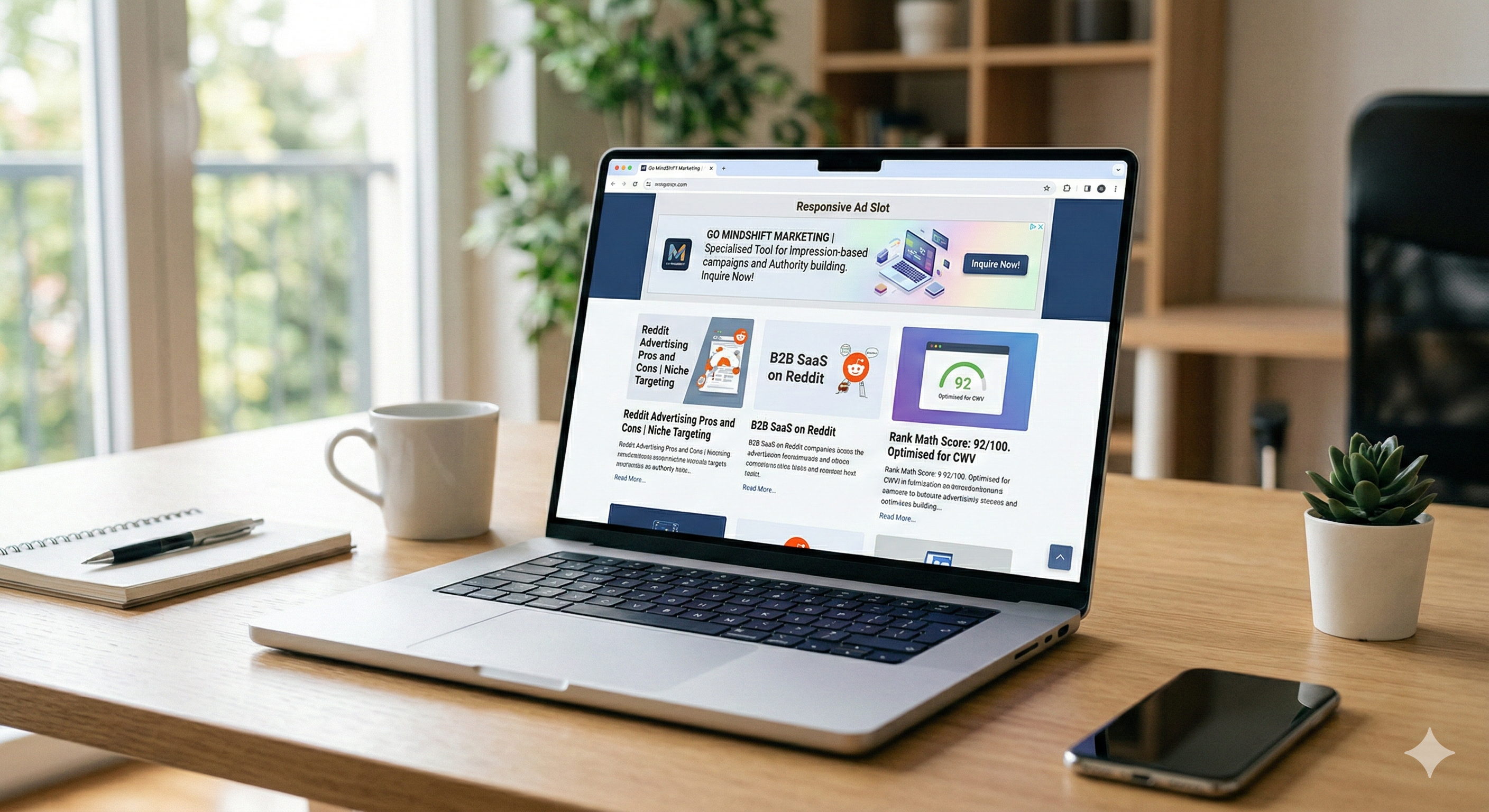
 I recommend you treat website areas as “slots.” If you have available space at the top, position a manual ad slot there.
As you can see in the image above, we have selected this slot to place an ad. There is no strict rule of thumb. We tend to have a manual display ad specifically on the home page and at the peak of pages to help the account maximize its impressions. The secondary option is to place it midway down the page.
Fixed Ads
You will have diverse options when working with fixed ads. Again, there is no set rule, but we typically utilize the top of the article page or the home page with a mobile-friendly 300 * 90 size. In this way, we are ensuring we boost impressions.
The image above illus trates a smaller-sized fixed manual ad placed directly at the top of a website. We recommend tailoring your ad formats according to your website and its specific pages. Keep an eye on the RPMs generated and which ad is yielding superior results at which placement. This requires consistent review and analysis, which leads us back to the same point: always employ a data-driven approach.
We will continue providing our users with fresh strategies and the results of our own ad and monetization experiments.
Leave a Reply